Network and Wi-Fi setup
We design, cable and configure the network your office actually runs on: switches, business-grade access points, the router and the firewall behind it. The result is coverage in every room, no dead spots, and Wi-Fi that doesn't drop when the whole office is on a call.
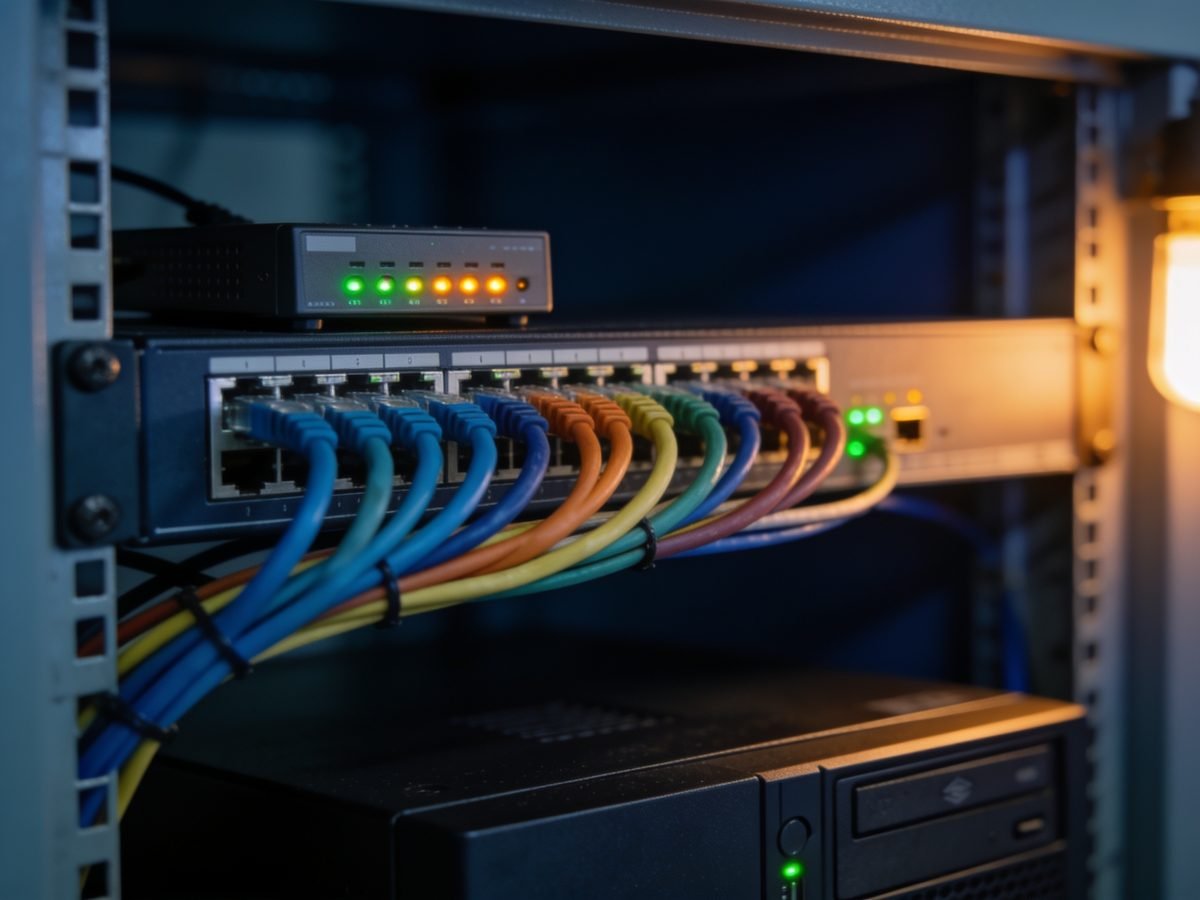
What's included
- Site survey with a signal map of the whole tenancy
- Structured cabling, patch panels and tidy comms racks
- Business access points with seamless roaming between rooms
- Separate guest network, isolated from your business traffic
- Router and firewall configuration, with remote access if you need it
- Documented network diagram handed over at the end
Common problems we fix
- “The Wi-Fi drops out in the back office”
- “Video calls freeze whenever someone uploads a file”
- “We've got three extenders and it's still bad”
- “The internet is fine on my phone but not on the PC”
- “Nobody knows what half these cables do”
- “We're moving and need it all working on day one”
Paying per callout? Clients on a monthly plan don't wait for things to break.
See our plansWhat it costs, and what changes the price
Network work is quoted per project after a site survey, because the same office layout can need two access points or six depending on what the walls are made of. The survey is a fixed fee and the quote that follows is fixed too.
- Size of the tenancy and what the walls are made of — concrete and steel change everything
- How much cabling already exists and whether it is usable
- Number of access points needed for real coverage, which the survey determines
- Whether a licensed cabler is required for structural work in a commercial building
- Whether the switch and firewall are being replaced or reused
We quote hardware at cost and labour separately, so you can see what you are paying for. Business access points cost more than a consumer mesh kit and last years longer under load.
For the wider picture, see what IT support costs in Brisbane.
What's not included
Worth knowing up front, so nothing on the invoice is a surprise. Where something falls outside what we do, we'll tell you who should do it.
- Electrical work and power outlets, which need a licensed electrician
- Structural cabling through fire-rated walls, coordinated with a licensed cabler
- Your internet service itself — we order and manage it, but the carrier owns the line
- Ongoing monitoring, which sits inside a managed plan rather than a one-off install
A job like this
A Cannon Hill warehouse conversion had five extenders chained across the floor and Wi-Fi that showed full bars and moved nothing. Four ceiling-mounted access points cabled back to the switch replaced all five. Same internet service, same devices — the difference was the backhaul.
Questions about network and Wi-Fi setup
Why isn't a mesh kit from the shop enough?
Consumer mesh is built for a house with four devices. An office has twenty, plus printers, EFTPOS and a VoIP handset on each desk. Business access points handle that density, roam properly between rooms, and can be managed and updated remotely.
Do you run cable, or just configure gear?
Both. We run and terminate data cabling, fit patch panels and tidy up the comms cupboard. For structural work in a commercial building we coordinate with a licensed cabler and manage that as part of the job.
Can you fix a network someone else installed?
Yes, and it's a common request. We map what's there, label everything, replace whatever's failing and document the result. You end up with a diagram, so the next person who touches it isn't guessing.
How long does an office network take?
A six to ten person office is typically one to two days on site once hardware has arrived. We schedule the disruptive part after hours or over a weekend so you're not standing around waiting for the internet.
How many access points does an office actually need?
Fewer than most people fear and more than one. A survey answers it properly, but as a rule a single open floor of six to ten people needs two, and a tenancy chopped into rooms with concrete or steel between them needs one roughly every two to three rooms. Guessing high wastes money; guessing low is why the last install did not work.
Will a faster internet plan fix our Wi-Fi?
Almost never, and it is the most common thing businesses try first. Plug a laptop into the wall with a cable and run a speed test — if the cable is fast and the Wi-Fi is slow, the problem is inside your building and no plan upgrade will touch it. We run that test before recommending anything.
Most often for trades with an office and allied health — though the underlying work is much the same whatever you do.
Available across Redland City, Brisbane, Logan City and Gold Coast City. See where we work.