Data backup and recovery
We set up backups that are monitored daily, stored off-site, and — the part almost everyone skips — actually restored from on a schedule to prove they work. If you're already in trouble, we also do recovery: deleted files, failed drives, and the backup that has silently been failing since March.
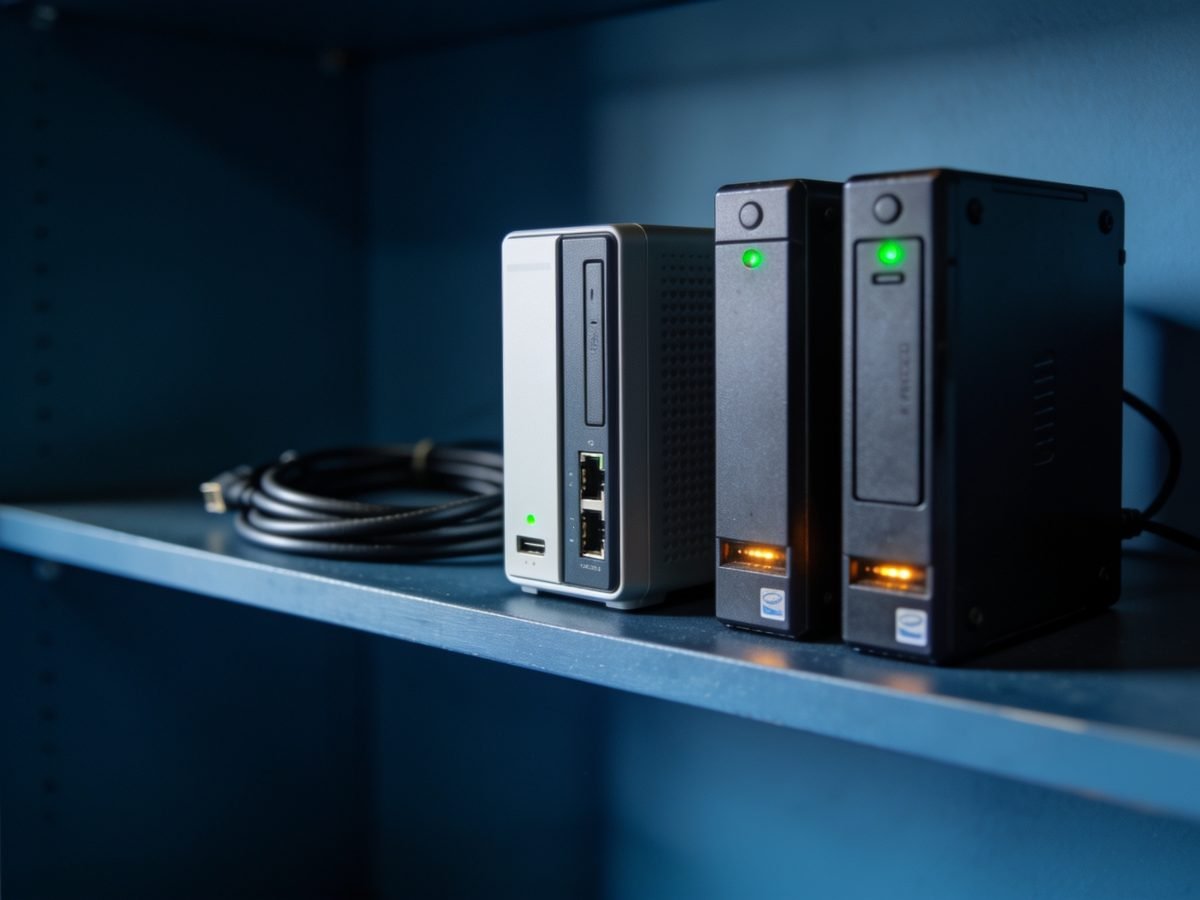
What's included
- Off-site cloud backup for servers, workstations and Microsoft 365
- Daily monitoring with a real person checking failures
- Quarterly test restores, with a written result you can keep
- Retention set to match your record-keeping obligations
- Documented recovery plan — what gets restored first, and how long it takes
- Emergency recovery from failed drives and deleted data
Common problems we fix
- “We think we have a backup but nobody's checked it”
- “Someone deleted a folder and emptied the recycle bin”
- “The external drive we back up to is full”
- “Our accounting file is corrupted”
- “The server drive is making a clicking noise”
- “We were told Microsoft 365 backs itself up”
Paying per callout? Clients on a monthly plan don't wait for things to break.
See our plansWhat it costs, and what changes the price
Backup is priced per protected device or mailbox per month, plus the storage the data actually uses. There is no setup fee for plan clients. Emergency recovery for a business we do not already look after is quoted before we start.
- How much data there is, and how fast it is growing
- Retention period — an audit-length retention costs more than thirty days
- Whether a server is in scope or only workstations and Microsoft 365
- How quickly you need to be working again, which changes the recovery design
- Whether an existing backup has to be migrated rather than started fresh
Test restores are included, not an extra. A backup nobody has restored from is a guess, and the written result of each test is what an insurer or auditor will actually ask for.
For the wider picture, see what IT support costs in Brisbane.
What's not included
Worth knowing up front, so nothing on the invoice is a surprise. Where something falls outside what we do, we'll tell you who should do it.
- Physical data recovery from a failed drive, which goes to a specialist lab
- Archiving obligations we are not told about — retention is set from what you tell us
- Cloud storage costs beyond the included allowance, billed at cost
- Recovery of data that was never in scope, which is why the scope is written down
A job like this
A Cleveland practice had nightly backups running for two years and a green tick every morning. The job was copying an open database file, so every single copy was unusable. We found it during the first test restore, before it mattered.
Questions about data backup and recovery
Doesn't Microsoft 365 already back up our data?
No. Microsoft keeps your service running and holds deleted items for a limited window, but it does not keep a long-term backup of your mail and files. If something is deleted or encrypted and you notice a month later, it's gone unless you back it up separately.
How often do you test the backups?
Quarterly at minimum, and after any major change. We restore real files to a separate location and confirm they open. You get a short written result each time, which matters if an insurer or auditor ever asks.
How long does a full restore take?
For a small office, files and email are usually back within a few hours. A complete server rebuild is typically same-day if the hardware is available. We document the expected time up front so it isn't a surprise when it matters.
Is an external hard drive good enough?
Not on its own. A drive that sits in the same room is destroyed by the same fire, flood or theft, and gets encrypted by the same ransomware. Keep it if you like, but pair it with a monitored off-site copy.
What should a small business actually be backing up?
Everything the business cannot rebuild from memory: the file server or shared drive, Microsoft 365 mail and files, the database behind your practice or job management software, and any workstation holding data that lives nowhere else. The last two are the ones most often missed, and they are usually the ones that matter.
How much does backup cost for a small office?
It is priced per protected device or mailbox per month plus the storage actually used, so a six-person office with no server costs meaningfully less than one running a server with years of retention. We size it from your real data volume rather than a package tier, and the test restores are included.
Most often for accountants and legal — though the underlying work is much the same whatever you do.
Available across Redland City, Brisbane, Logan City and Gold Coast City. See where we work.